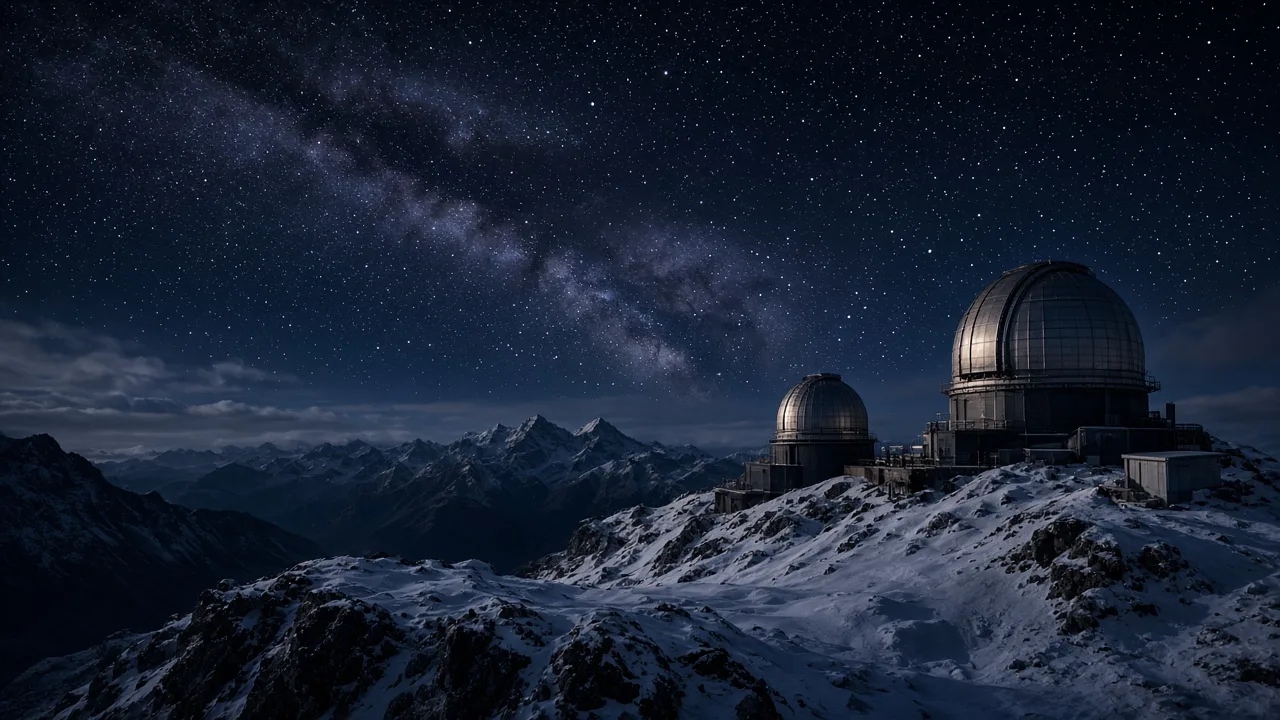
One episode. Your signature style.
Start with your own subject, script or reference. Keep the art style and narration consistent as your ideas grow into a series.
Creative starting points · optional
Use these as creative guidance. Your own subject and brief come first.
My series
Start from an example
Example setups for style and format. Keep the setup and make the subject your own.
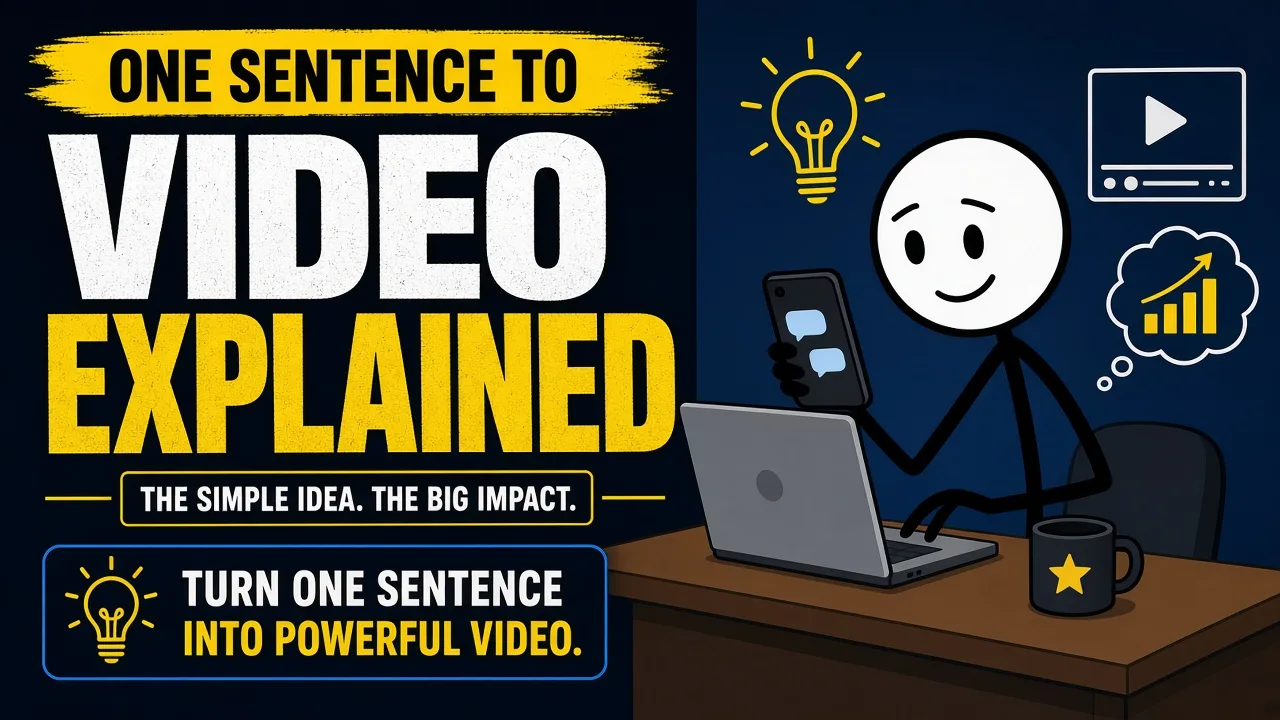
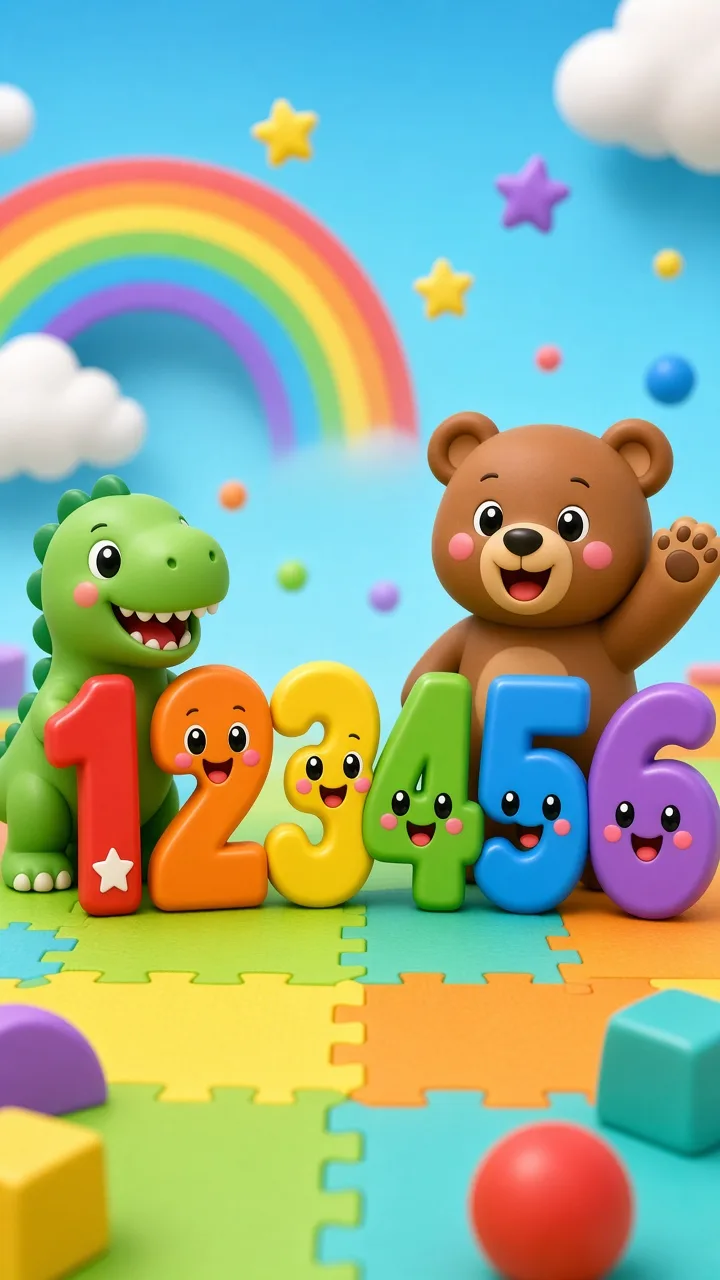
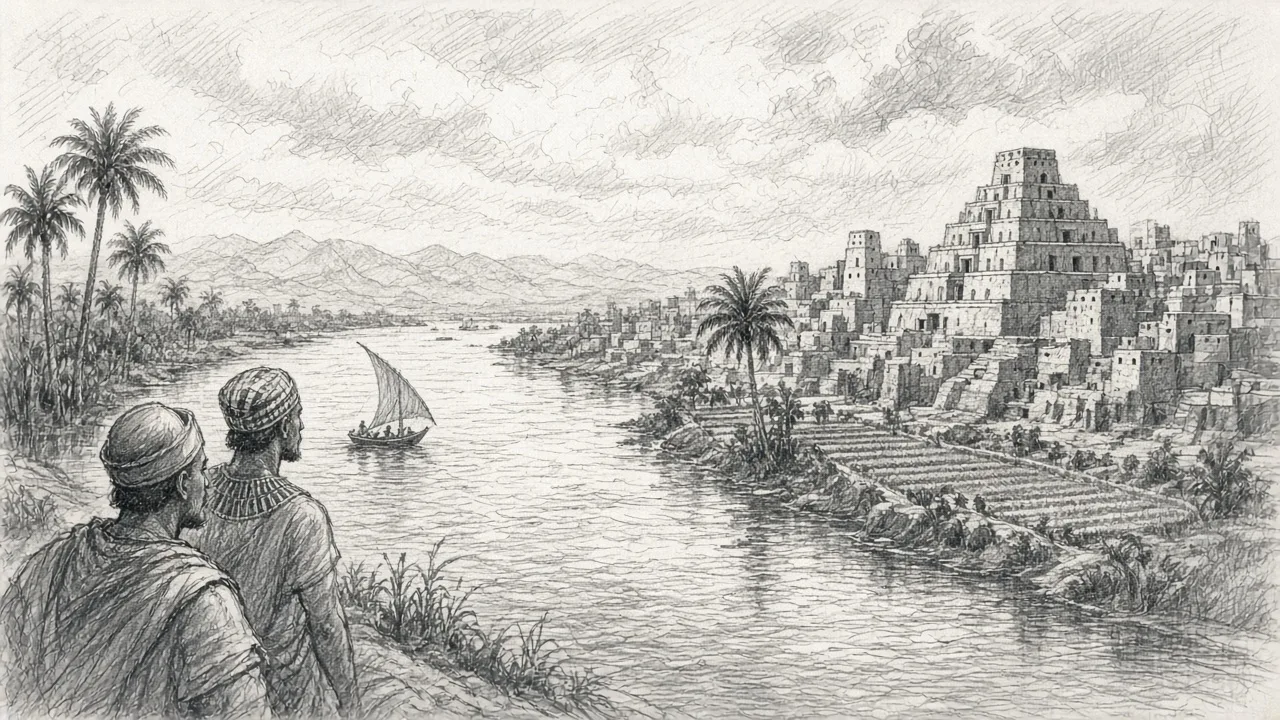
How it works
- 01
Describe the episode
Pick a topic, paste a script or add a link. Choose language, length and format.
- 02
Lock the look and voice
One style image and one narrator carry through every block of the video.
- 03
Review, produce, refine
Approve the plan, watch blocks render, then fix any single block before you download.
What people make
- Education — Explain one idea per episode with clear diagrams and a calm narrator.
- History — Walk through events in order, with sources listed at the end.
- Kids — Short sentences, gentle pacing and friendly, colourful art.
- Storytelling — Fables and serial stories that keep the same look every episode.
You approve every credit
Each episode is split into 10-second blocks. Before anything paid runs you see a quote for the next stage, and only approved work is charged. Editing one block only redoes that block.
- The estimate updates as you change length, format and model.
- Guided mode stops for your approval before images and before video.
- One-click mode runs straight through under a credit cap you set.
Questions
- How long can an episode be?
- One to five minutes, in 16:9 or 9:16. Every episode is built from 10-second blocks.
- What is the difference between Full Animation and Motion Frames?
- Full Animation renders a video clip for every block. Motion Frames uses one illustrated frame per block with gentle camera moves — faster and cheaper.
- Can I fix one part without redoing the whole video?
- Yes. Edit a block's narration or scene, or regenerate a single clip. You see the cost first and only that block is redone.
- Which languages are supported?
- Narration and captions in 13 languages: English, Chinese, Spanish, French, Vietnamese, Portuguese, German, Italian, Dutch, Russian, Japanese, Korean and Arabic.
- Does GoMotion publish to my social accounts?
- No. Series are workspaces inside GoMotion. You download the video, cover and caption files and publish them yourself.